Website

Connect Thikaa with Any Website

Add the smart chat widget to your website in simple steps

Universal Integration

Thikaa widget works with any website regardless of the technology used. Plain HTML, WordPress, Shopify, Squarespace, Wix, or any other platform.

Supported Platforms

HTML/CSS/JS
WordPress
Shopify
Wix
Squarespace
Webflow
React/Vue/Angular
And any other platform

Quick Start

Copy the following code and add it before in your website

<!-- Thikaa Chat Widget -->
<script>
window.THIKAA_CONFIG = {
    tenant_id: 'your_tenant_id',
    platform: 'website'
};
</script>
<script src="https://thikaa.com/salla-app/widget.js" async></script>

Customization Options

You can customize the widget using the following settings:

Option Description
tenant_id Your unique Thikaa account identifier
platform Specify platform type for additional features
position Right or left side of screen
lang ar for Arabic, en for English
primary_color Color code for widget
welcome_message Message shown when chat opens
<!-- Thikaa Chat Widget - Full Configuration -->
<script>
window.THIKAA_CONFIG = {
    tenant_id: 'your_tenant_id',
    platform: 'website',
    position: 'right',
    lang: 'ar',
    primary_color: '#9333ea',
    welcome_message: 'مرحباً! كيف يمكنني مساعدتك؟'
};
</script>
<script src="https://thikaa.com/salla-app/widget.js" async></script>

Detailed Installation Steps

1

Create Thikaa Account

Register on Thikaa platform to get your tenant ID

Screenshot will be added soon

2

Get Embed Code

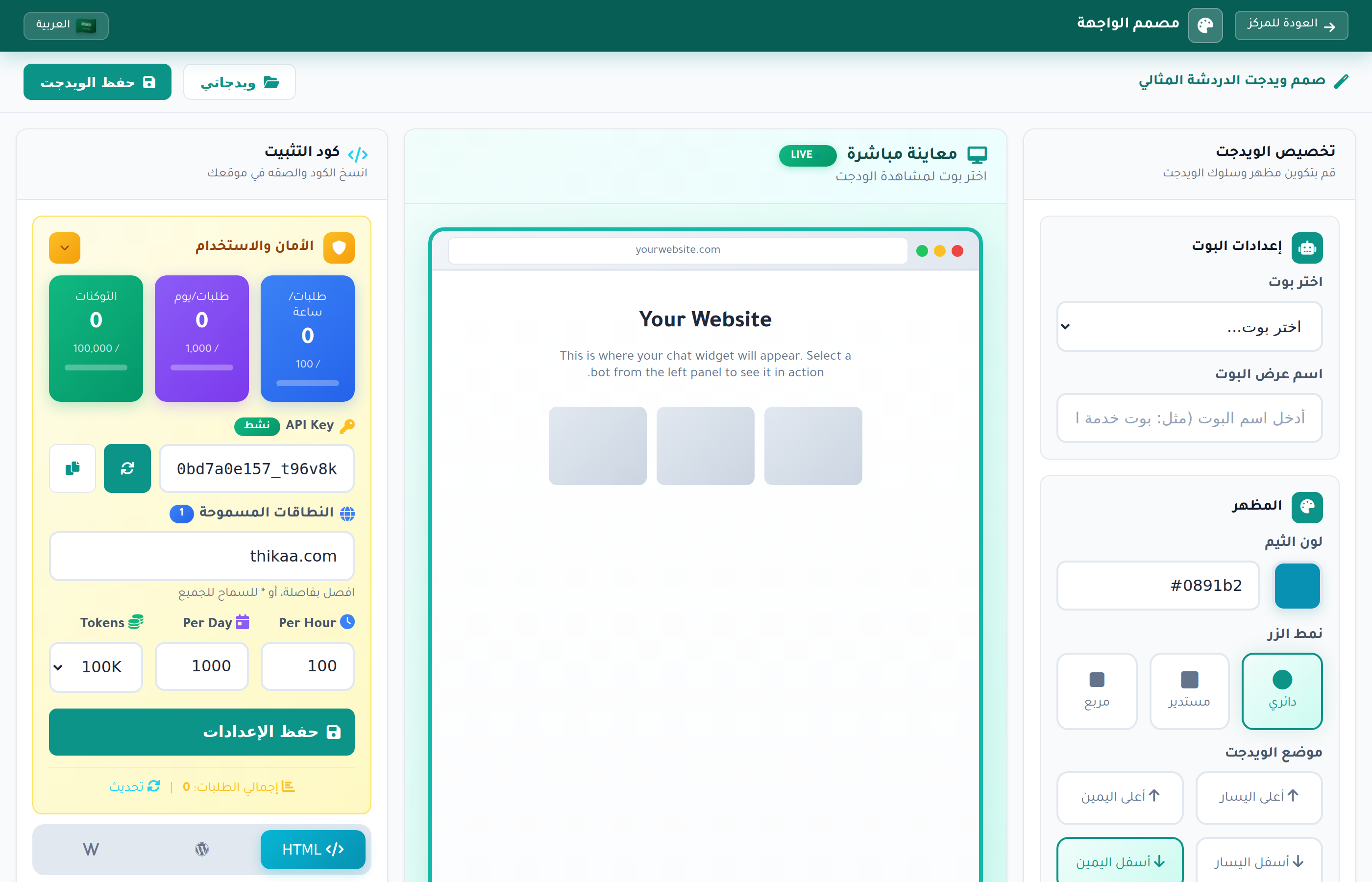
From dashboard, go to Widget Settings and copy the code

Screenshot will be added soon

3

Add Code to Website

Paste the code in your website files according to your platform

4

Customize and Launch

Customize the widget from dashboard and start receiving chats

Platform Guides

Plain HTML

Add code directly before in HTML file

WordPress

Use Insert Headers and Footers plugin or add in footer.php

Shopify

Go to Online Store > Themes > Edit Code > theme.liquid and add before

Wix

Go to Settings > Advanced > Custom Code and add the code

Squarespace

Go to Settings > Advanced > Code Injection and add in Footer

Webflow

Go to Project Settings > Custom Code > Footer Code

Widget Features

AI-powered smart responses
Multi-language support
Mobile responsive design
Fast loading (Async)
Full color customization
Full RTL support
Human support handoff
Analytics and statistics

Advanced Settings

For developers: you can control the widget programmatically

Open chat

window.ThikaaWidget.open();

Close chat

window.ThikaaWidget.close();

Toggle chat state

window.ThikaaWidget.toggle();

Send message programmatically

window.ThikaaWidget.send('Hello!');

Troubleshooting

Widget not showing

Make sure code is directly before and tenant ID is correct

Widget shows but doesn't work

Check Console for errors and ensure internet connection works

Widget conflicts with site elements

Try changing widget position from right to left or vice versa

Font or colors are incorrect

Widget is isolated in iframe and not affected by site styles

Frequently Asked Questions

Does the widget affect site speed?

No, the widget loads asynchronously and does not affect site speed

Does it work on mobile?

Yes, the design is fully responsive and works on all devices

Can I hide the widget on certain pages?

Yes, you can add a condition to load code only on required pages

Is data secure?

Yes, all connections are encrypted via HTTPS and data is protected

Ready to Start?

Create your account now and add the widget to your site