Watch the Video Guide
What is Messenger & Instagram Integration?
Messenger & Instagram integration allows you to receive all incoming messages from your Facebook Page and Instagram Business Account in a unified inbox on Thikaa platform. The smart bot automatically responds to inquiries, searches for products, and tracks orders - all without your intervention.
Supported Platforms
Facebook Messenger
All incoming messages to your Facebook Page
Instagram DM
Direct messages on your Instagram Business Account
Benefits
Two Platforms, One Connection
Messenger and Instagram are connected together automatically
Unified Inbox
All messages from all channels in one place
Smart AI Response
Bot that understands questions and responds smartly
Customer Profiles
Automatically saves customer data and photos
Requirements
Setup Steps
Login to Thikaa Platform
Login to your dashboard and go to Messenger integration page
- Go to your dashboard
- Click on "Bot Hub"
- Select "Connections Management"
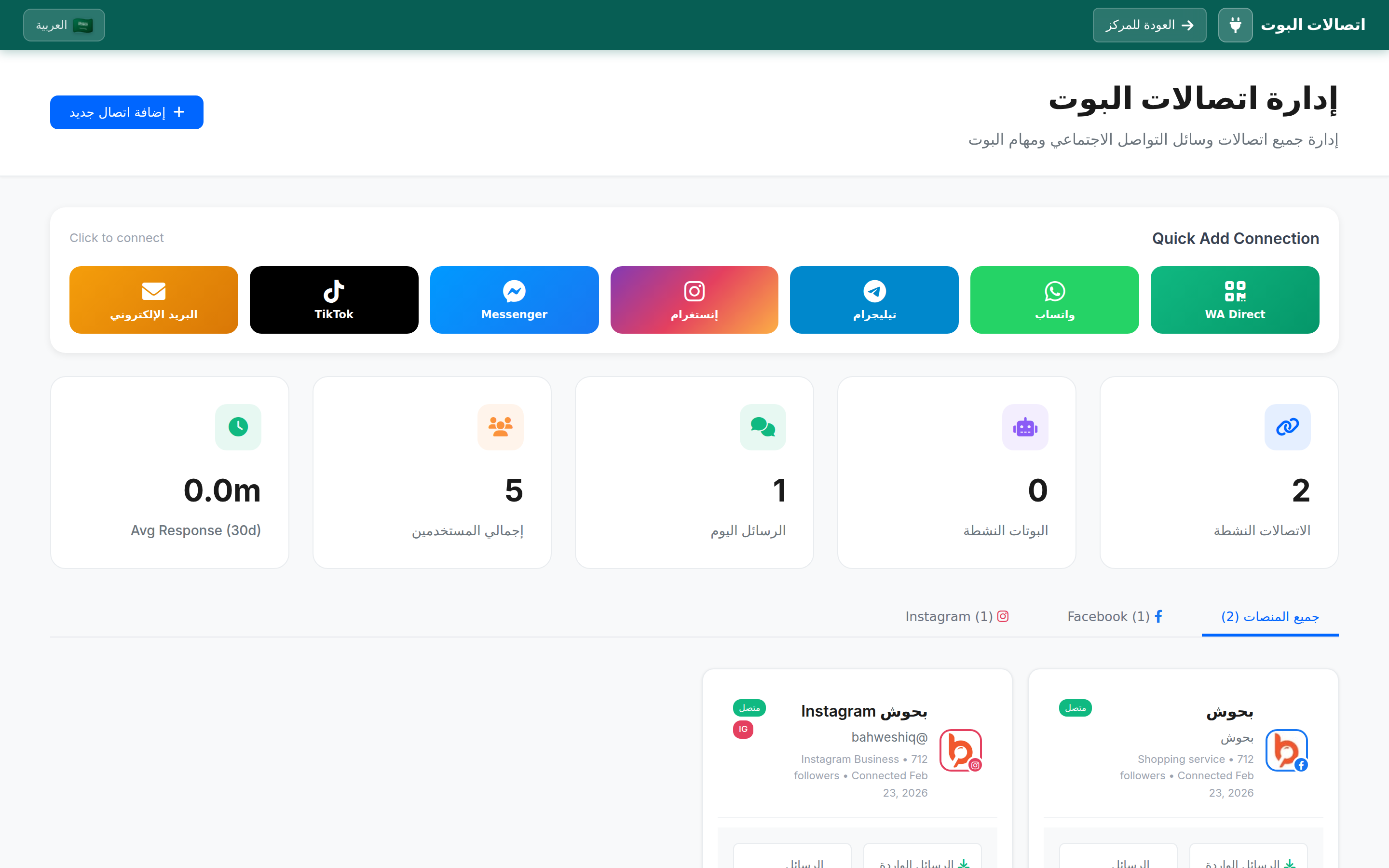
- You will see the channel list in the "Quick Add Connection" bar
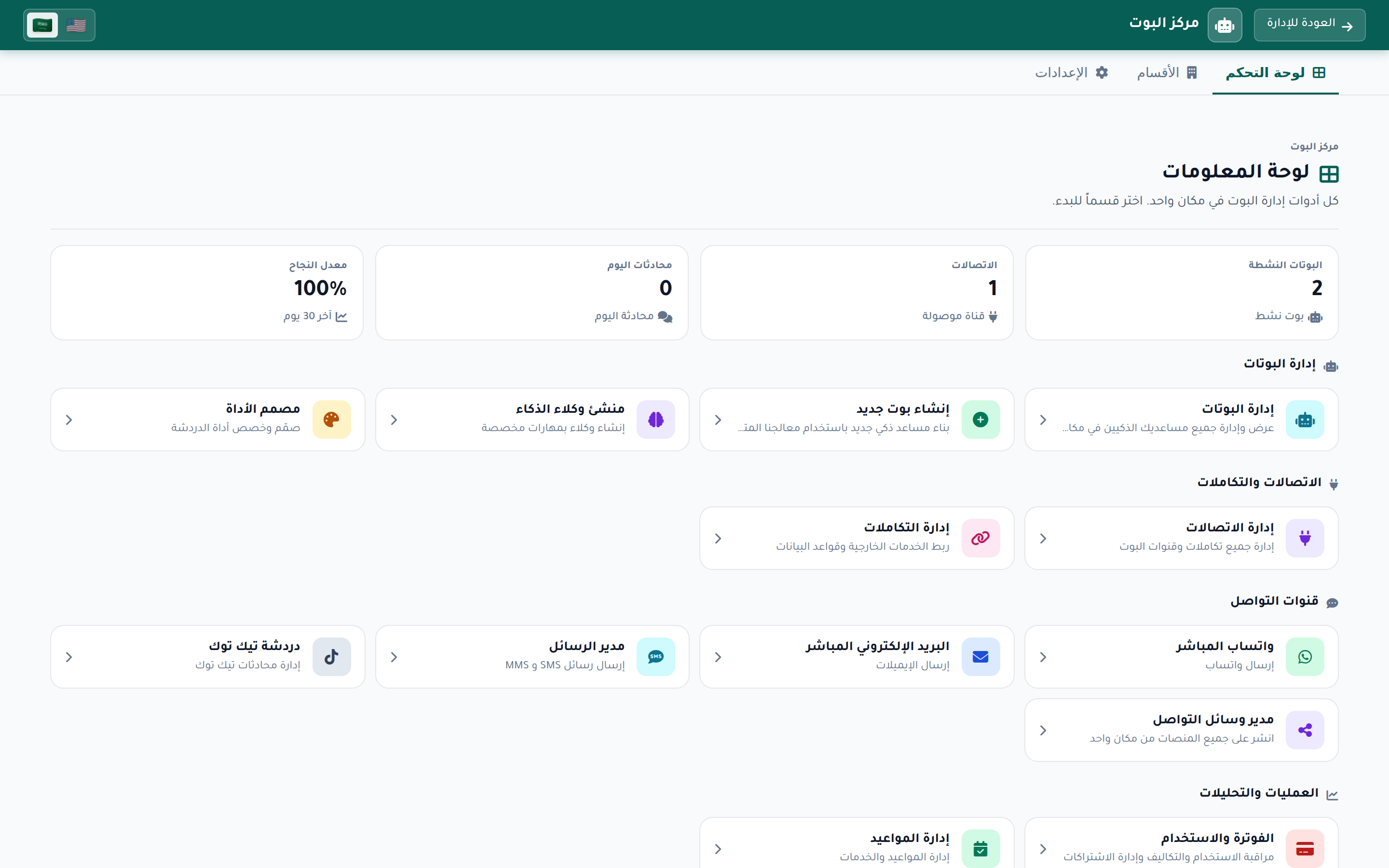
Click the Messenger Card
Click the blue "Messenger" card in the "Quick Add Connection" bar to start the Facebook connection
- Click the blue card labeled "Messenger"
- To connect Instagram instead, click the colored "Instagram" card
- You will be redirected to Facebook login page
Login to Facebook
Login with the Facebook account that manages the Page
- Enter your email or phone number
- Enter your password
- Make sure to use the account that has admin access to the Page

Select Pages
Select the pages you want to connect with Thikaa
- A list of all pages you manage will appear
- Select the page(s) you want to connect
- If the page is linked to an Instagram Business Account, Instagram will be connected automatically
Grant Permissions
Approve all required permissions to run the bot
- Manage Page messages (Messenger)
- Manage Instagram Direct messages
- Read Page information
- Click "Done" to complete the connection
Important: Approve all permissions. If you deny any permission, the bot may not work fully.
Successfully Connected!
Now your page is ready to receive messages and auto-reply via Messenger and Instagram.
How Does It Work?
Customer Sends Message
Customer sends a message via Messenger or Instagram
Thikaa Receives Instantly
Message appears instantly in the unified inbox
Bot Analyzes & Replies
Smart bot understands, searches, and responds
Reply on Same Channel
Customer receives reply in Messenger or Instagram
Instagram Connection
To connect Instagram with Thikaa, your Instagram account must be:
- A Business or Creator account
- Linked to a Facebook Page
- Direct Messages enabled
How to Link Instagram to Facebook Page?
- Open Instagram app and go to Account Settings
- Select "Accounts Center"
- Tap "Add Accounts" and select Facebook
- Login with the Facebook account that manages the Page
- Select the Page you want to link to Instagram
Advanced Features
- Smart auto-reply on Messenger and Instagram
- Support for images, videos, and file attachments
- Order tracking by order number
- Product search and price display
- Transfer to human support when needed
- Save customer data and photos from Facebook
- Conversation and message statistics
- Multi-language support (Arabic/English)
Supported Content Types
Managing the Connection
After connecting, you can manage your linked pages from the dashboard
- View connected pages and status of each page
- Disconnect page: Click "Disconnect" next to the desired page
- Reconnect: If permissions expired, click "Reconnect"
- View message statistics for each page
Frequently Asked Questions
Important Tips
- Approve all required permissions to ensure the bot works fully
- Link Instagram to Facebook Page before connecting with Thikaa
- Use a Facebook admin account, not an editor account
- Test the bot by messaging your page from another account
- Check inbox regularly for conversations needing human intervention
Need Help?
Our team is ready to help you connect Messenger and Instagram
Facebook Comments
Auto-reply to post comments