
What will you get?
Requirements
Integration Steps
Open Salla App Store
Log in to your Salla store, then open "Salla App Store" from the Apps menu in your Salla dashboard.
Find Thikaa App
In the App Store, search for "Thikaa" and select the official app. You'll see the app page with a full feature description.
Install the App
Click "Install" on the app page then approve the requested permissions. Salla activates your subscription automatically based on the selected plan.
Receive Login Credentials
Once installed, you'll receive an email from Thikaa with your dashboard link, admin email, and a temporary password. We recommend changing the password after your first login.
Open Your Thikaa Dashboard
Open the dashboard link from your email and log in. You'll see your connected store's settings page with all available options.
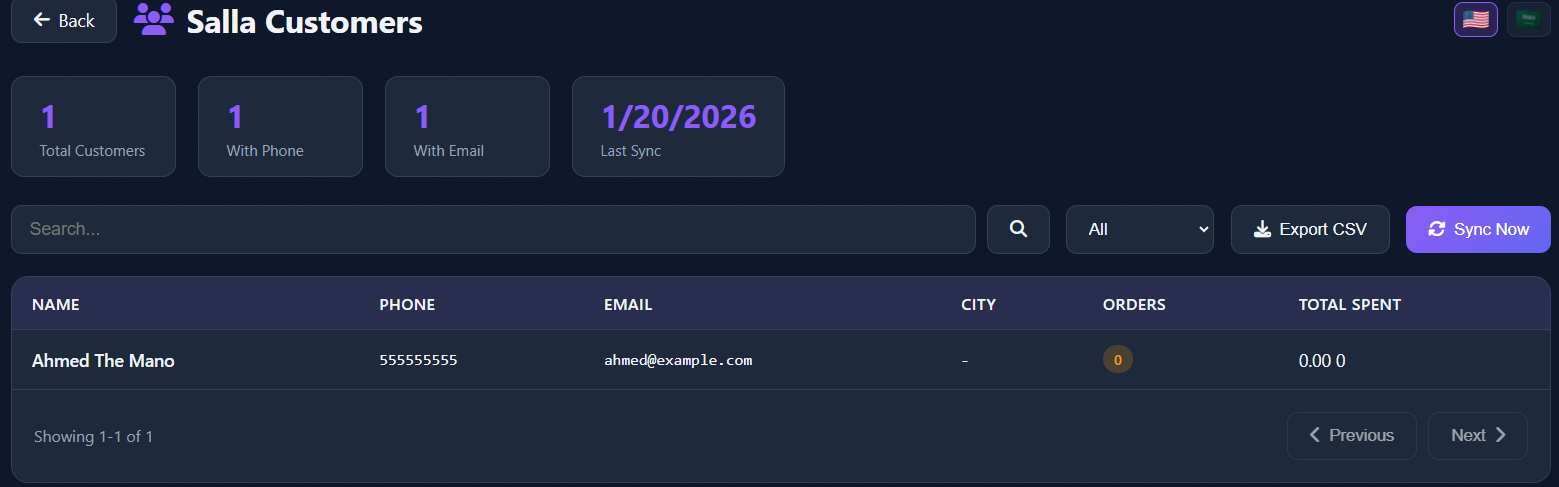
Store & Customer Data
You'll see connected store data and customer statistics. You can import customers and use them in marketing campaigns.
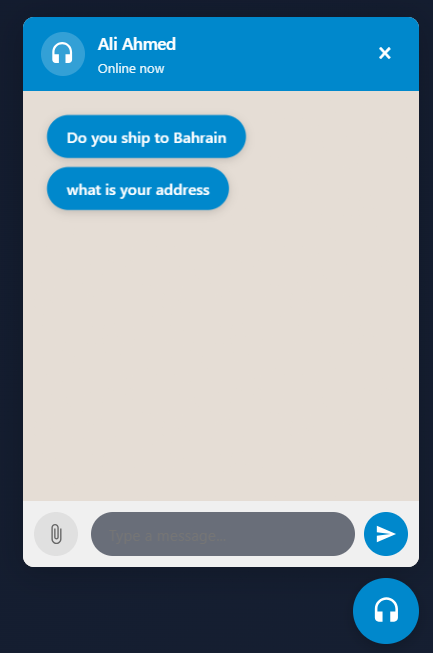
Setup Quick Replies
Customize quick replies that appear to customers when opening chat like "Track my order" and "New products".
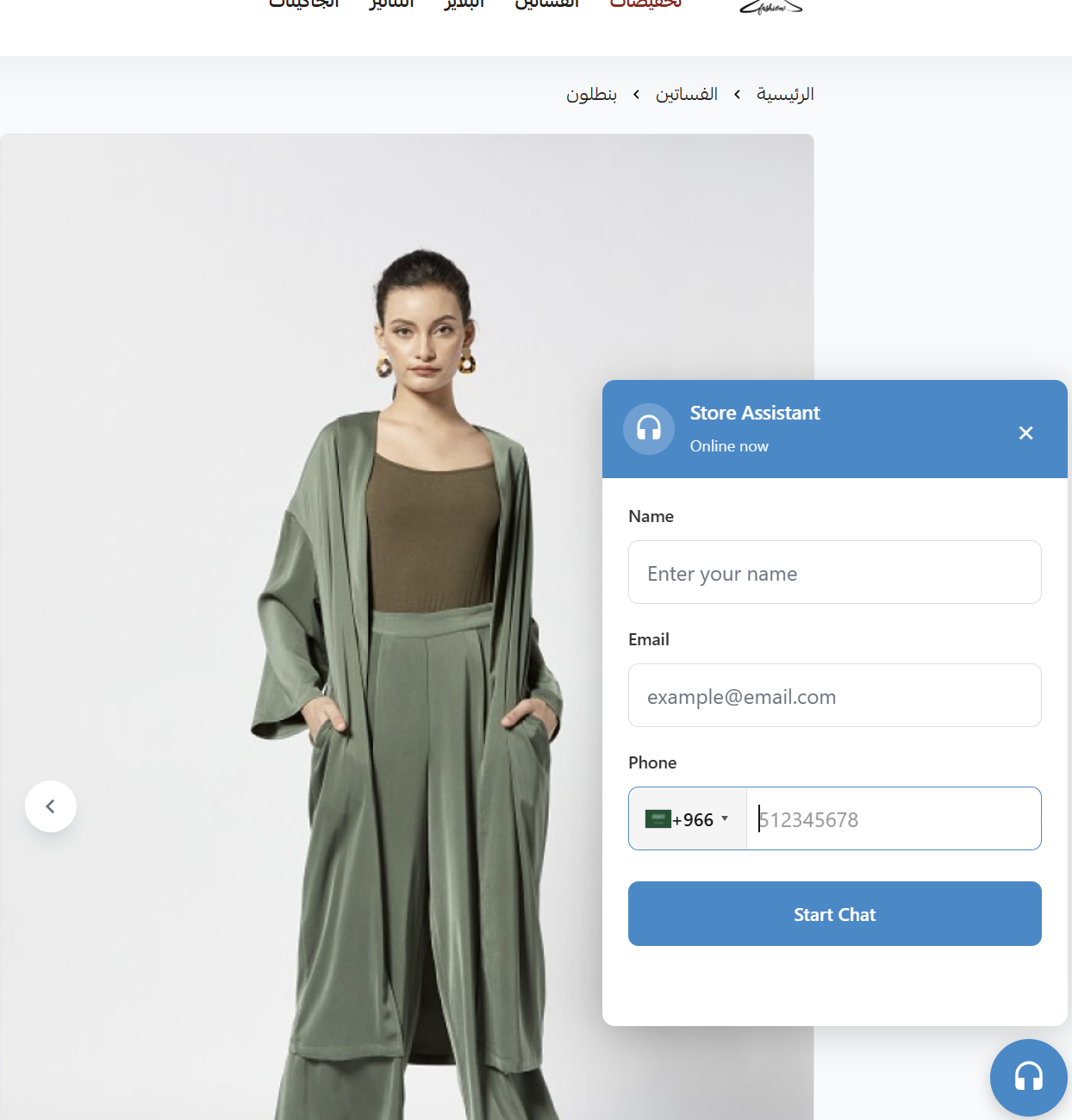
Widget in Your Store
This is how the chat widget will appear in your Salla store. It's installed automatically without any code needed!
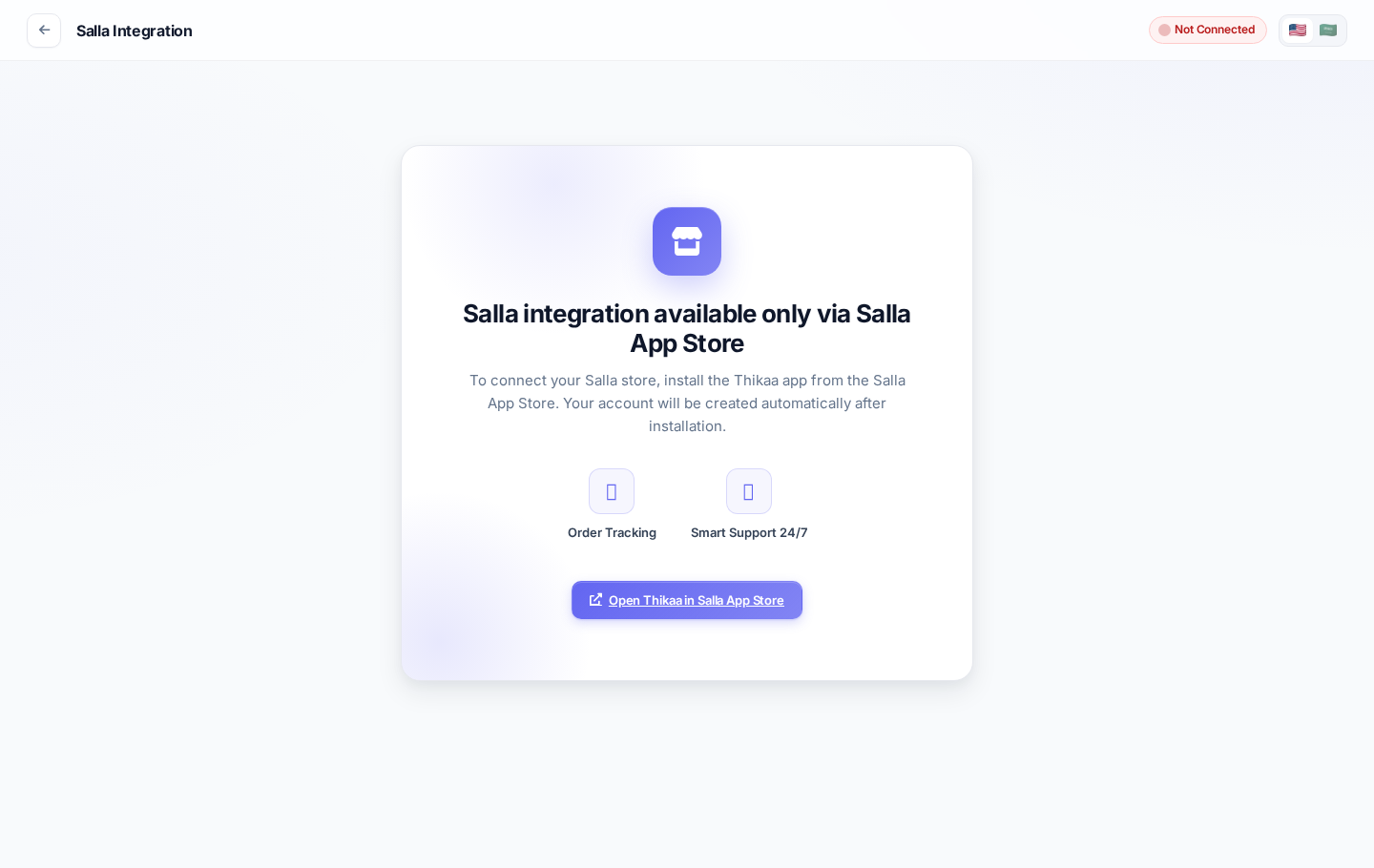
Salla Integration Features
Smart Order Tracking
Customer types "where is my order" or order number, and bot auto-replies with order status, tracking number, and expected delivery.
Product Search
Customer asks "do you have perfumes?" and bot shows available products with images, prices, and direct purchase links.
Customer Recognition
Bot recognizes customer by phone number and shows their previous orders without asking for additional info.
Customer Import
Import all your store customers from Salla and use them in bulk WhatsApp messaging campaigns.
Secure Verification
Secure verification system: customer provides order number and phone to verify identity before showing order details.
24/7 Support
Bot responds to customers anytime, even on holidays and at night, without your intervention.
FAQ
Ready to connect your store?
Start now and connect your store in minutes
Start Connection Now