Watch the Video Guide
What is TikTok Integration?
TikTok integration allows you to receive all customer messages from your TikTok Business Account directly in the unified inbox on Thikaa platform, with automatic AI responses 24/7.
Note: Business Messaging is not available for accounts registered in US, EEA, Switzerland, or UK.
Benefits
24/7 Instant Response
Bot responds to TikTok messages instantly at any time
Unified Inbox
TikTok messages alongside WhatsApp and Telegram in one place
Smart AI Response
Smart bot that understands questions and responds naturally
Lead Capture
Automatically saves customer data from their profiles
Requirements
How to Switch to Business Account?
- Open TikTok app and go to your profile
- Tap the three lines (☰) at the top
- Go to "Settings and Privacy"
- Tap "Manage Account"
- Select "Switch to Business Account"
- Choose your business category and tap "Next"
Setup Steps
Login to Thikaa Platform
Login to your dashboard and go to TikTok integration page
- Go to your dashboard
- Click on "Bot Hub"
- Select "Connections Management"
- Click the black "TikTok" card in the "Quick Add Connection" bar
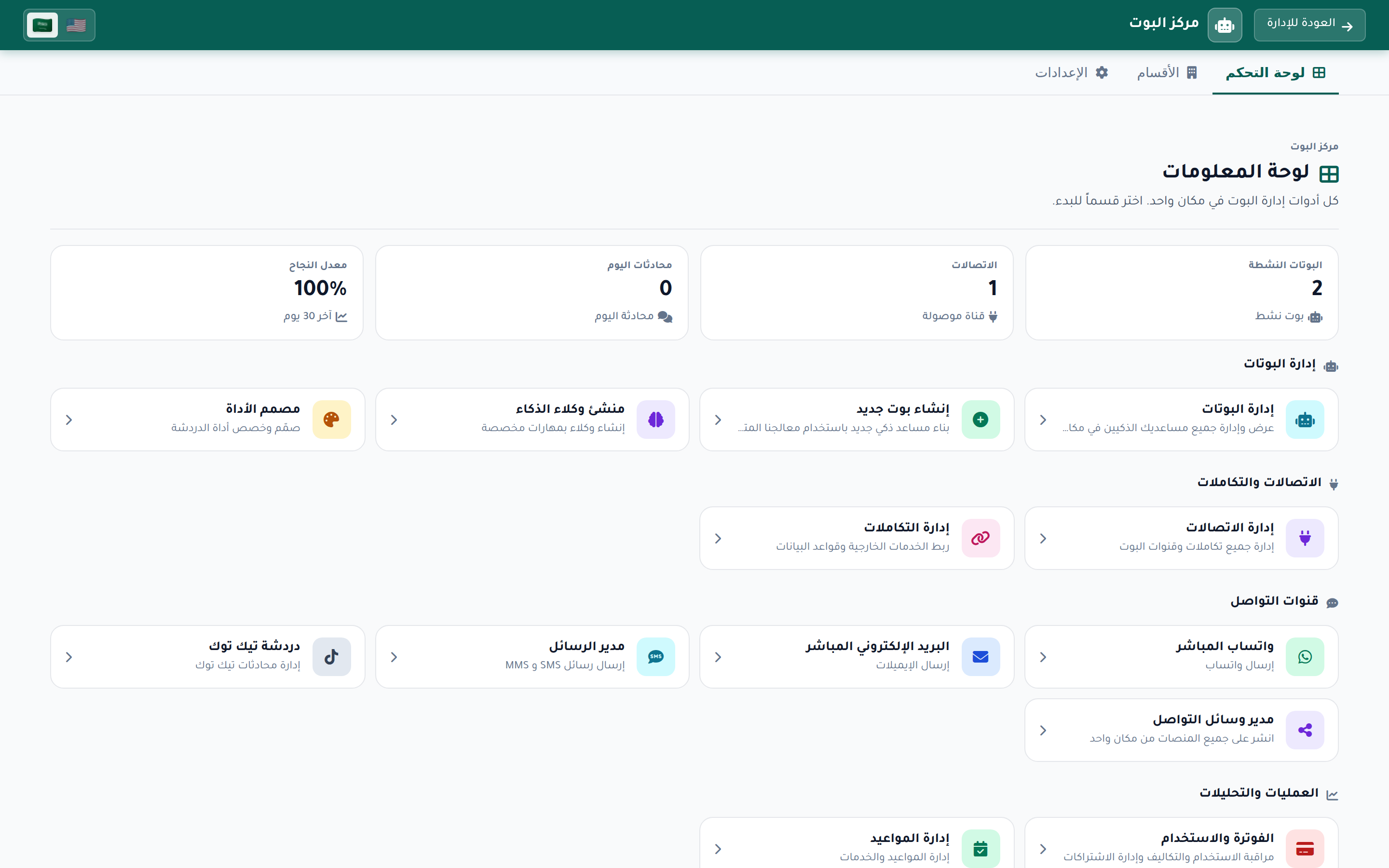
Connect TikTok Account
Click the "Connect TikTok Business Page" button to start the connection process
- Click the black "Connect TikTok Business Page" button
- You will be redirected to TikTok login page
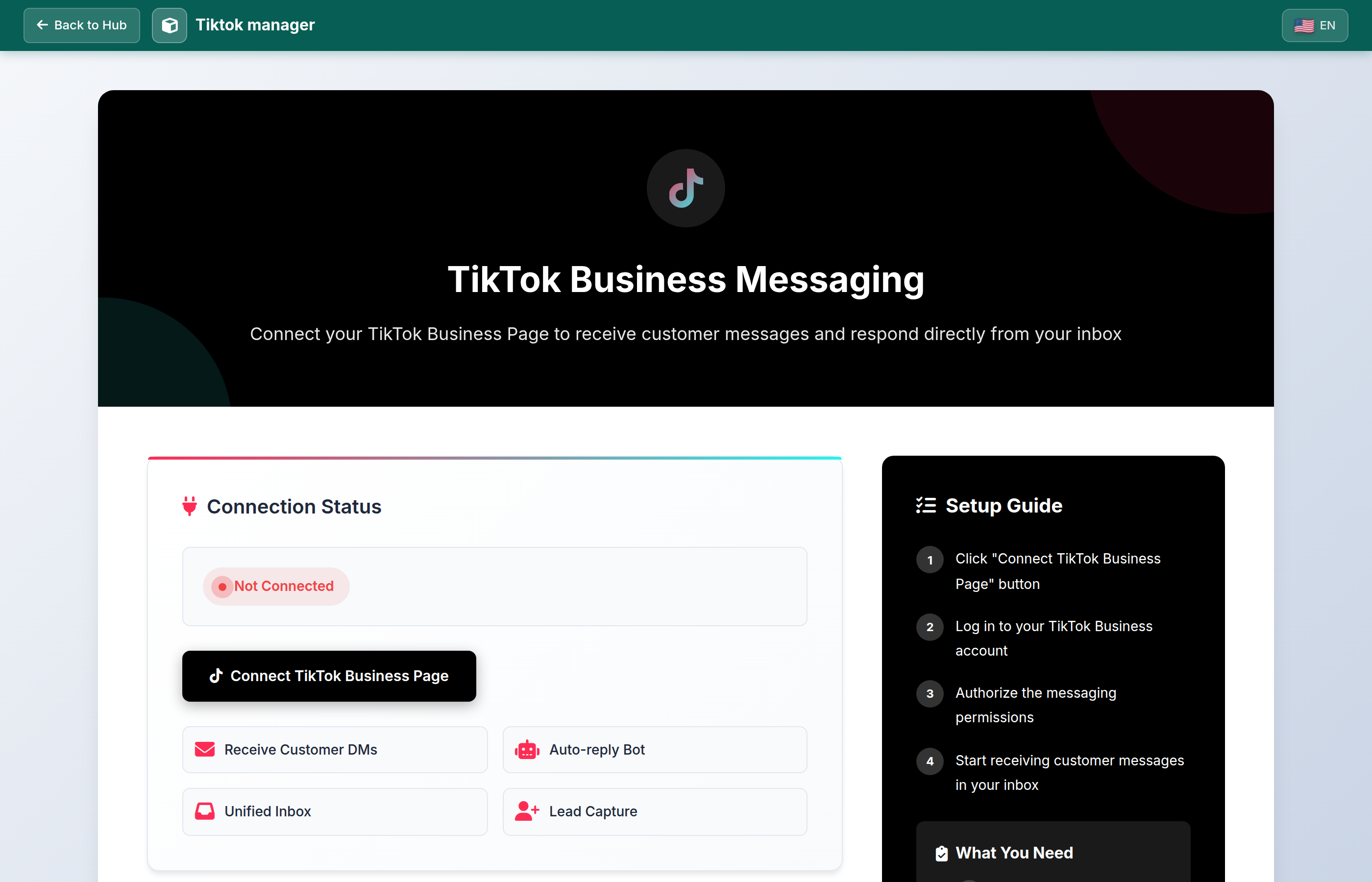
Login to TikTok
Login with your TikTok Business Account
- Enter your username or email
- Enter your password
- Make sure to use your Business Account, not personal

Grant Permissions
Approve the required messaging permissions
- Read customer messages
- Send messages to customers
- Manage conversations
- Click "Authorize" to complete the connection
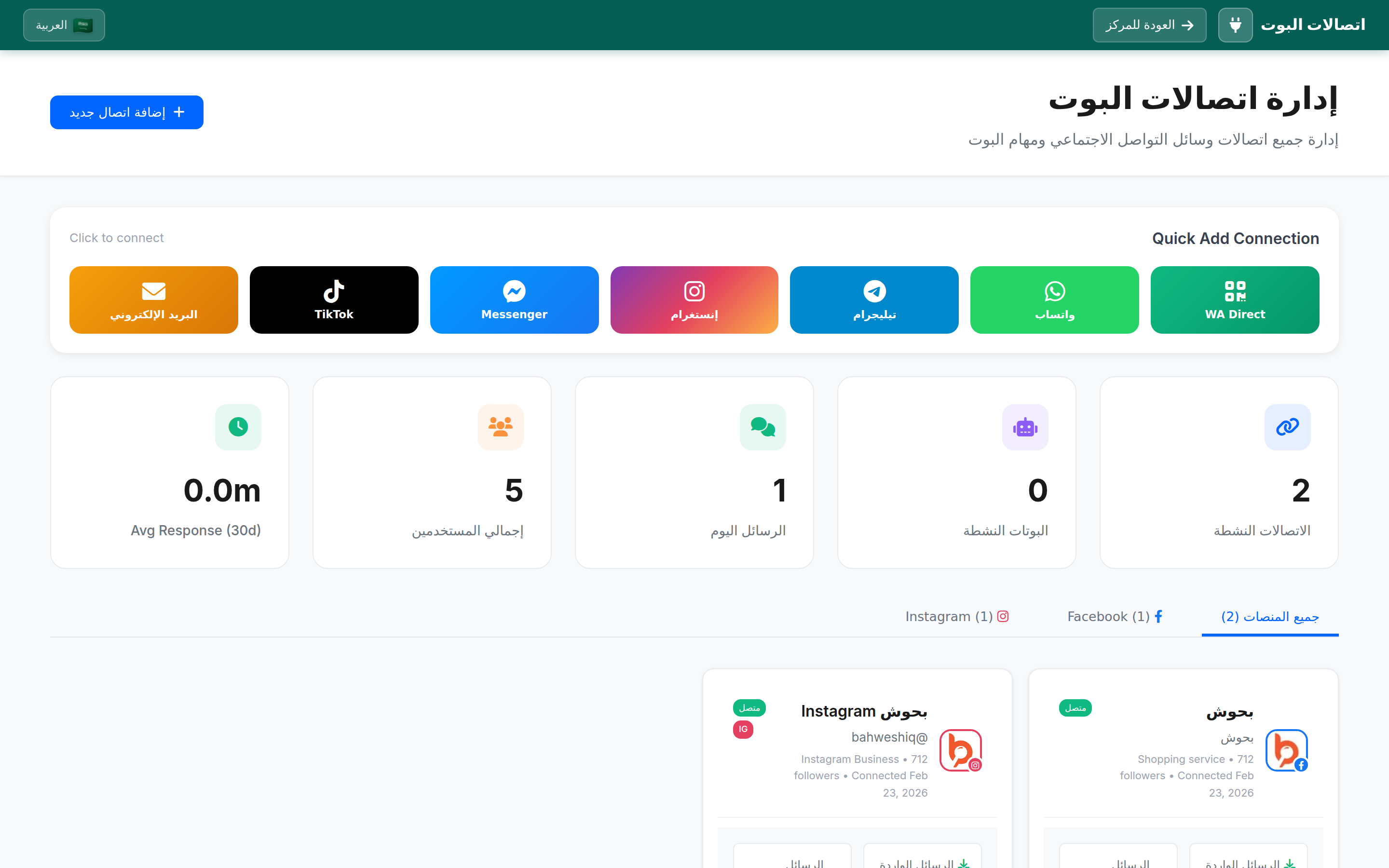
Successfully Connected!
Now your account is ready to receive TikTok messages and auto-reply. You can go to the inbox to follow conversations.
How Does It Work?
Customer Sends Message
Your customer sends you a message via TikTok
Thikaa Receives Message
Message appears instantly in the unified inbox
Bot Auto-Replies
Smart bot analyzes the question and responds appropriately
Reply Reaches Customer
Customer receives the reply directly in TikTok app
Advanced Features
- Smart AI-powered auto-replies
- Unified inbox (TikTok + WhatsApp + Telegram)
- Automatic lead data capture
- Transfer conversation to human agent
- Message and conversation statistics
- Automatic token refresh
Managing the Connection
After connecting, you can manage your TikTok account from the dashboard
- Edit display name: Click the edit icon next to the name
- Disconnect: Click "Disconnect Account" to remove the connection
- Reconnect: If token expired, click "Reconnect Account"
Frequently Asked Questions
Important Tips
- Make sure your account is Business before attempting to connect
- Enable Direct Messages from TikTok settings
- Test the bot by sending a message to yourself from another account
- Check inbox regularly for conversations that need human intervention